
Free NetSuite Mobile Module
Katoomi Task App
Create NetSuite tasks from anywhere — while the details are fresh and nothing gets forgotten. Voice-to-text, file attachments, and real-time sync to your ERP.
The Task App is completely FREE for up to 5 users.
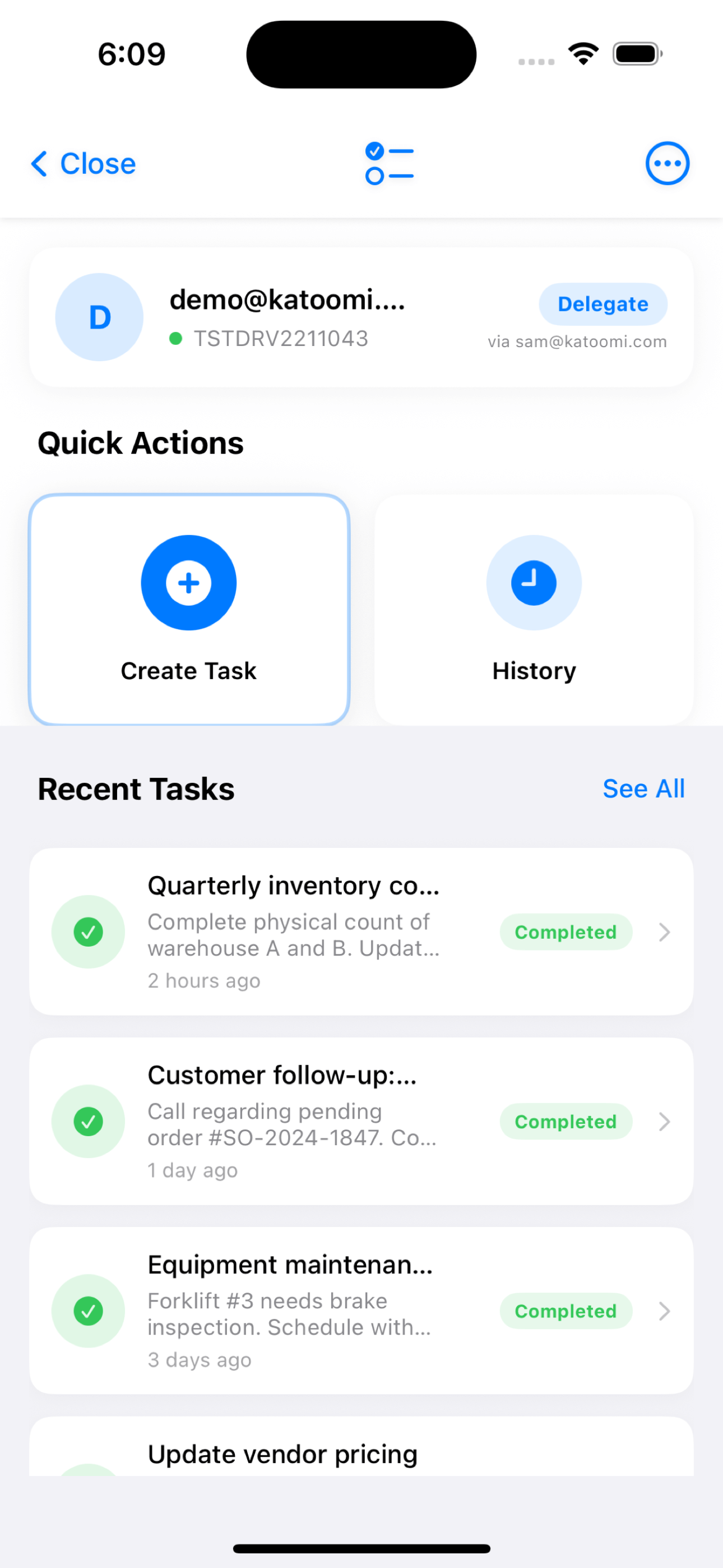
How the Task App Works
From idea to NetSuite task in seconds — capture, submit, and sync in real-time.
Create Your Task
Open the Task App and enter your task details. Use voice-to-text to dictate when you can’t type — perfect for capturing ideas while driving, walking, or in the field.
Task Options:
- Title & Description — Type or use voice-to-text
- Priority Level — High, Medium, or Low
- Start & Due Dates — Set your timeline
- Assignment — Assign to any NetSuite employee by email
- Attachments — Photos, documents, files (up to 5 files, 10MB each)
Voice-to-Text Input
Attach Files & Photos
Document everything by attaching photos and files. Take a photo directly from the app, select from your gallery, or attach documents from your device.
Take Photo
Photo Gallery
Documents
Up to 5 files, 10MB each
Submit & Sync in Real-Time
Tap “Create Task” and your task is instantly submitted to NetSuite. No waiting for hourly syncs — the task is created in real-time.
Real-Time Creation: Your task appears in NetSuite within seconds of submission. The assignee receives their normal NetSuite notification immediately.
Instant NetSuite Sync
Key Features
Everything you need to capture tasks on the go and get them into NetSuite automatically.
Voice-to-Text
Speak your tasks instead of typing. Perfect for capturing ideas while driving, walking, or when your hands are full. iOS-powered speech recognition with live transcription.
File Attachments
Attach up to 5 files per task (max 10MB each). Take photos directly, select from gallery, or attach documents. All attachments sync to NetSuite with the task.
Real-Time Sync
Tasks are created in NetSuite immediately when you submit — no waiting for hourly syncs. The assignee receives their notification within seconds.
Assign to Anyone
Delegate tasks to any NetSuite employee by email. Set priority (High/Medium/Low), start dates, and due dates to keep work organized.
Delegate Access
Enable workers without NetSuite licenses to create tasks on your behalf. Contractors, temporary staff, and field workers contribute directly to your ERP.
Extend Task Creation to Your Entire Team
Enable workers without NetSuite licenses to create tasks on your behalf. Contractors, temporary staff, and field workers can capture tasks directly into NetSuite — no license required, full audit trail maintained.
How It Works
NetSuite users authorize delegates to create tasks on their behalf. Delegates use their own email to sign in, but all tasks they create appear in NetSuite under the delegating user’s account with full attribution.
Perfect For
Contractors, temporary workers, seasonal warehouse staff, delivery drivers, field technicians, and anyone who needs to create tasks but doesn’t have — or need — a NetSuite license.
Business Impact
Capture tasks from every corner of your operation without paying for additional NetSuite licenses. Seasonal workers, contractors, and field staff can contribute directly to your ERP workflow.
Capture Everything, Forget Nothing
From idea to NetSuite in seconds — keep your team aligned no matter where work happens.
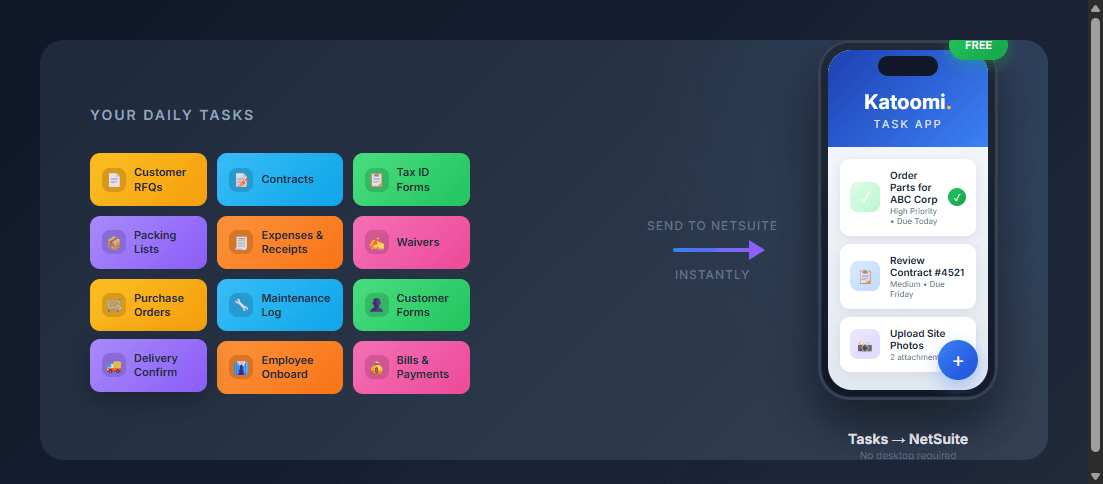
Real-World Scenarios
See how teams use the Task App to solve everyday business challenges.
Field Service Technician
Mike just finished repairing equipment at a customer site
“Order replacement motor for Customer ABC — Model XYZ-500. Current motor showing signs of wear, recommend proactive replacement within 30 days.”
Mike attaches a photo of the worn motor, sets priority to Medium, assigns to parts department, due date next week.
Result
The parts team receives the task in NetSuite within seconds. No email chain required, no details forgotten during the drive back.
Sales Representative
Sarah just finished a productive meeting with a potential customer
Walking to her car, Sarah uses voice-to-text: “Send proposal to John Smith at Acme Corp by Friday. Include pricing for Enterprise tier and implementation timeline.”
Assigns to herself with High priority and Friday due date.
Result
The follow-up is captured immediately in NetSuite. When Sarah gets back to the office, her task list is already updated.
Warehouse Supervisor
Tom notices a safety concern while walking the warehouse floor
“Replace damaged pallet rack in Aisle 7, Bay 3. Safety hazard — do not use until repaired.”
Tom takes a photo of the damage, sets priority to High, assigns to maintenance team.
Result
Maintenance receives an immediate alert in NetSuite. The photo provides clear documentation of the issue and exact location.
Pricing
Task App is Free
Included:
- ✓ Up to 5 users per NetSuite account
- ✓ Voice-to-text task creation
- ✓ Up to 5 attachments (10MB each)
- ✓ Real-time sync to NetSuite
- ✓ Delegate access for non-NetSuite users
Need More?
Premium plans available for:
- • More than 5 users
- • Larger attachment sizes
- • Priority support
Ready to Capture Tasks On the Go?
Download the free Katoomi App and start creating NetSuite tasks from anywhere.