
NetSuite Mobile Platform
Katoomi App
Take NetSuite everywhere you go. Create tasks, upload photos, and manage your ERP data from your iPhone or iPad — with enterprise-grade security and no additional NetSuite licenses required.
★★★★★ 5.0 Rating on the App Store
Sound Familiar?
Your team is in the field, on the warehouse floor, or traveling between meetings — but NetSuite is stuck on the desktop.
“By the time I get back to my desk, I’ve forgotten half the details from the customer visit.”
— Field Sales Rep
“I email photos to myself, then forget to upload them. Half our shipment damage claims have no documentation.”
— Warehouse Manager
“We need mobile access but can’t justify the cost of extra NetSuite licenses for our field team.”
— Operations Director
How Katoomi Solves It
Katoomi extends NetSuite to your mobile device — without requiring NetSuite user licenses. Capture information at the source, in the moment, with enterprise-grade security.
Capture In the Moment
Create tasks and upload photos right when it happens — while details are fresh and context is clear.
Voice-to-Text & Barcode
Dictate tasks hands-free. Scan barcodes to instantly find the right NetSuite record. Speed up data entry.
No Extra Licenses
Email-based authentication means you don’t need additional NetSuite user seats. Just an employee record with matching email.
Unlock Your Entire Workforce
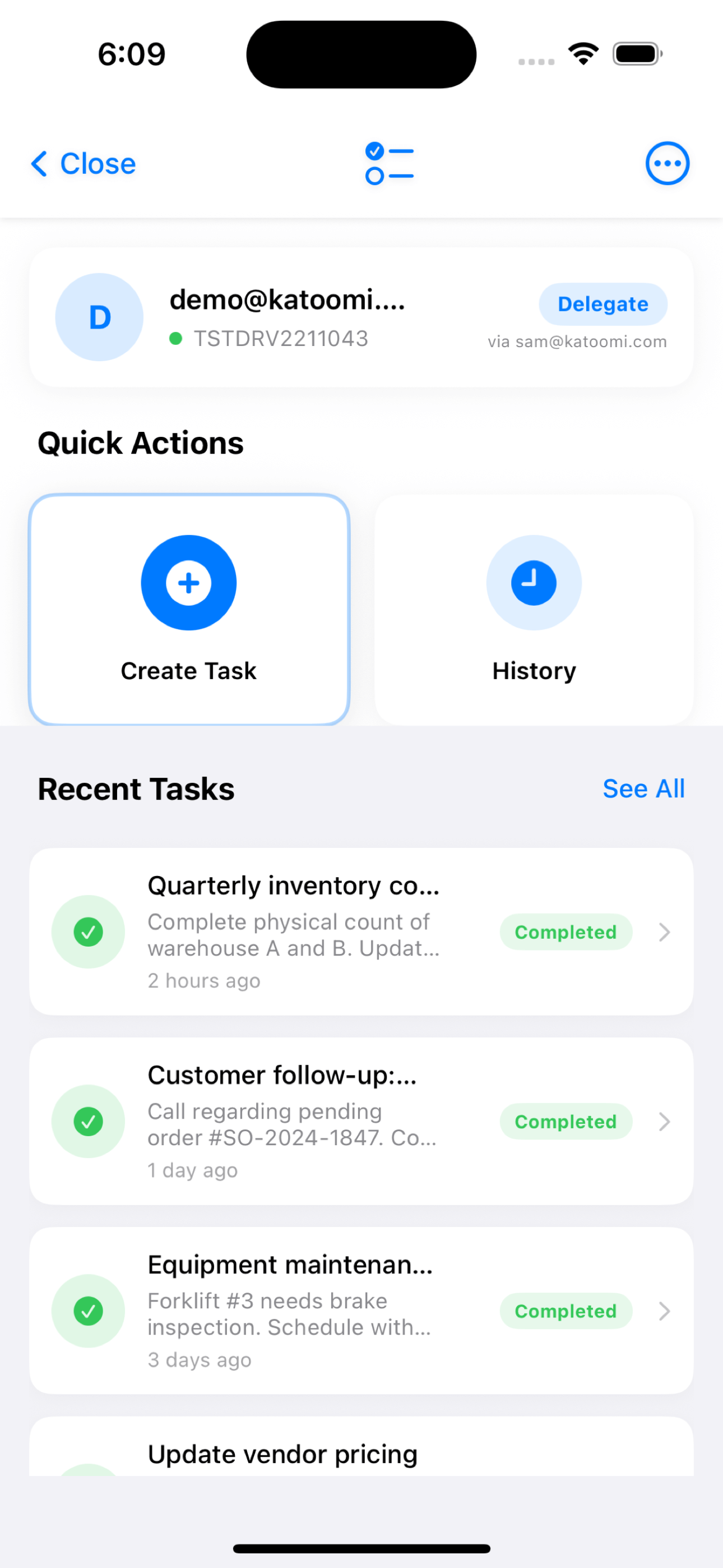
Delegate access to workers who don’t have NetSuite licenses. Let contractors, temporary staff, and field workers contribute tasks and photos on behalf of NetSuite users — expanding your ERP reach without expanding your license costs.
How Delegation Works
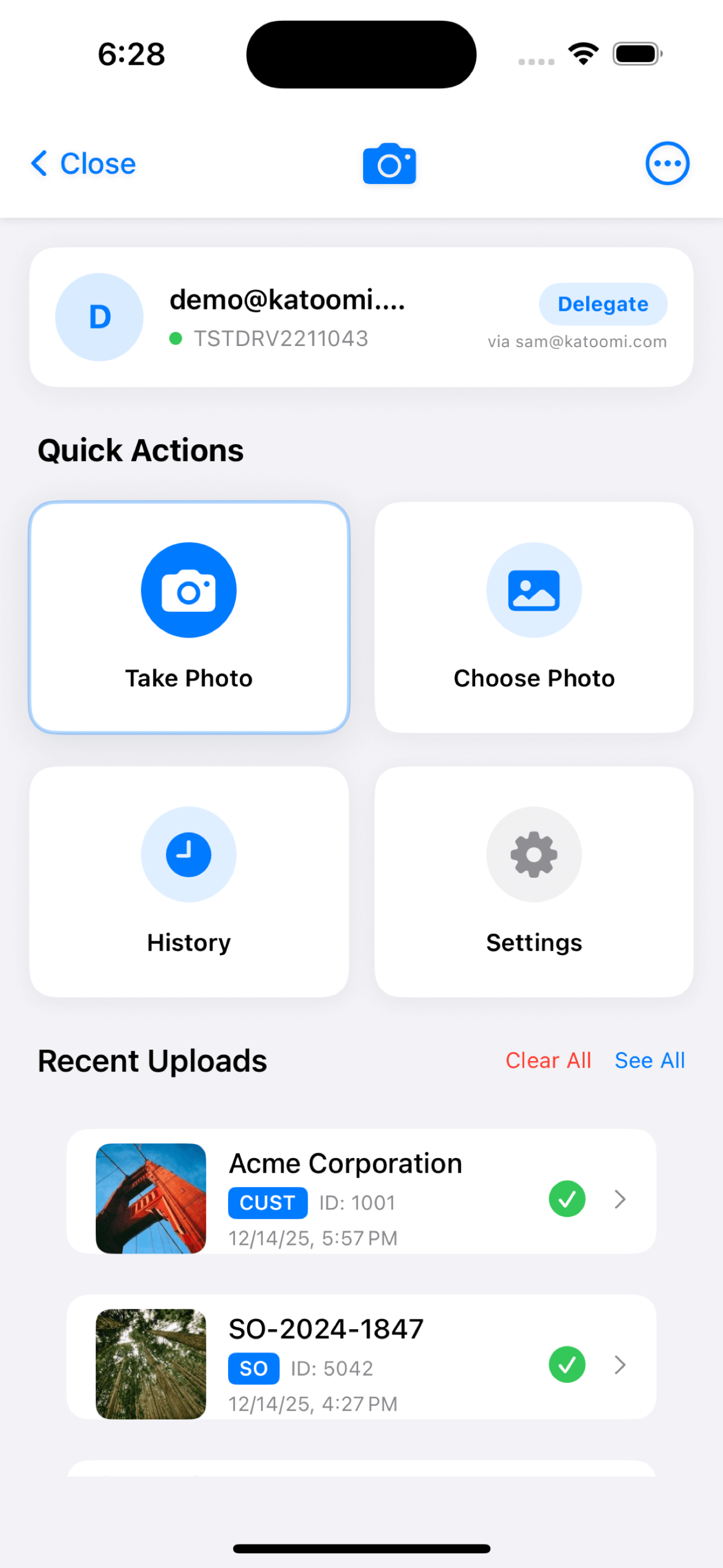
NetSuite users can authorize delegates — workers without NetSuite access — to create tasks and upload photos on their behalf. Delegates use the app with their own email, but their actions appear in NetSuite under the delegating user’s account.
Who Benefits
Contractors, temporary workers, seasonal staff, field technicians, warehouse helpers, delivery drivers, and anyone else who needs to contribute to NetSuite but doesn’t have — or need — a full NetSuite license.
Business Value
Extend NetSuite to your entire workforce without paying for additional licenses. Capture data from every corner of your operation — from the warehouse floor to the field — while maintaining full audit trails and security controls.
Real-World Examples
Warehouse Contractors
Seasonal warehouse workers photograph damaged shipments and create tasks for the receiving manager — all without needing NetSuite access. The manager sees everything in their NetSuite dashboard.
Field Service Technicians
Third-party technicians upload installation photos and create follow-up tasks on behalf of the project manager. Complete documentation without giving contractors full NetSuite access.
Delivery Drivers
Delivery personnel photograph proof-of-delivery and damaged goods, uploading directly to customer records. Sales team sees everything in NetSuite without managing driver accounts.
Available Modules
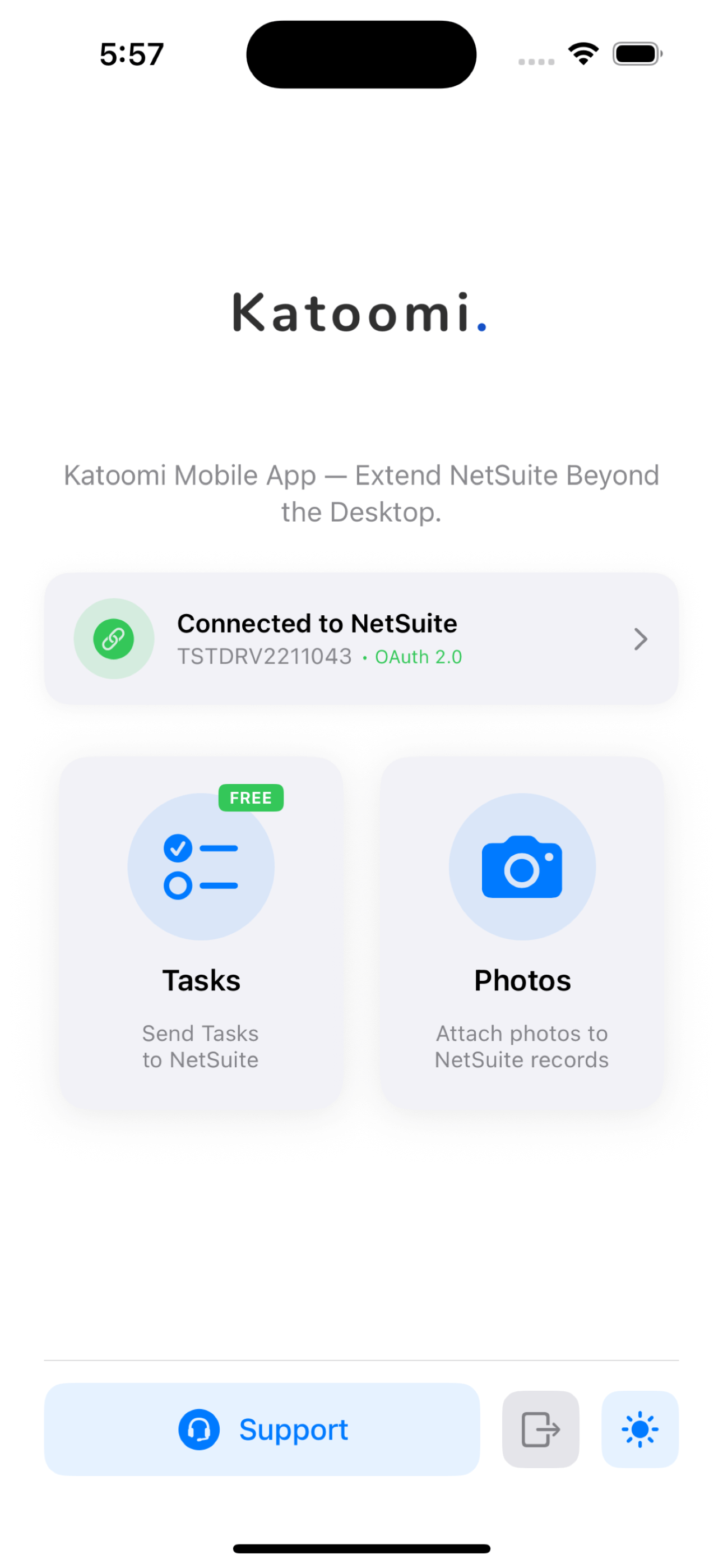
One app, multiple tools. Access all your NetSuite mobile capabilities from a single launcher with unified sign-in.
Task App
FREE
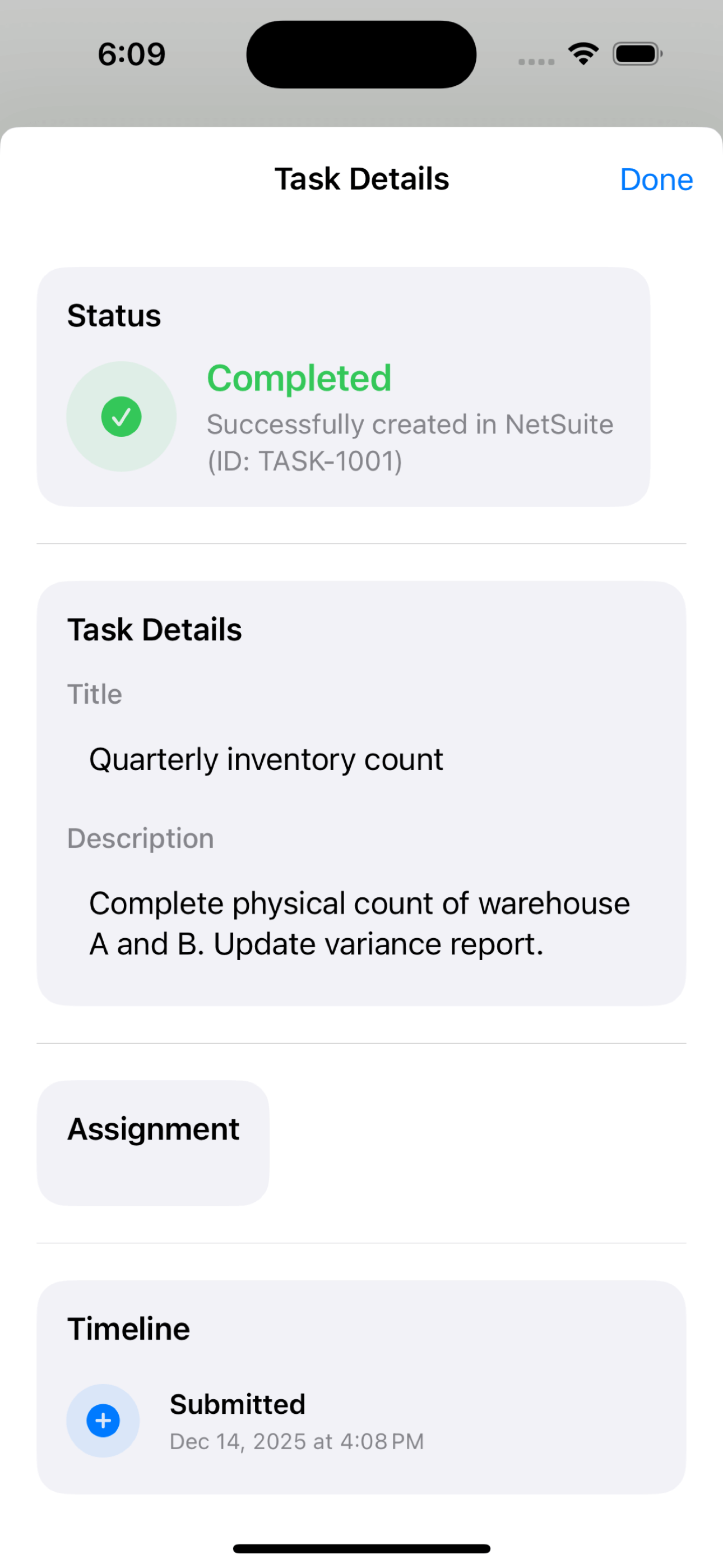
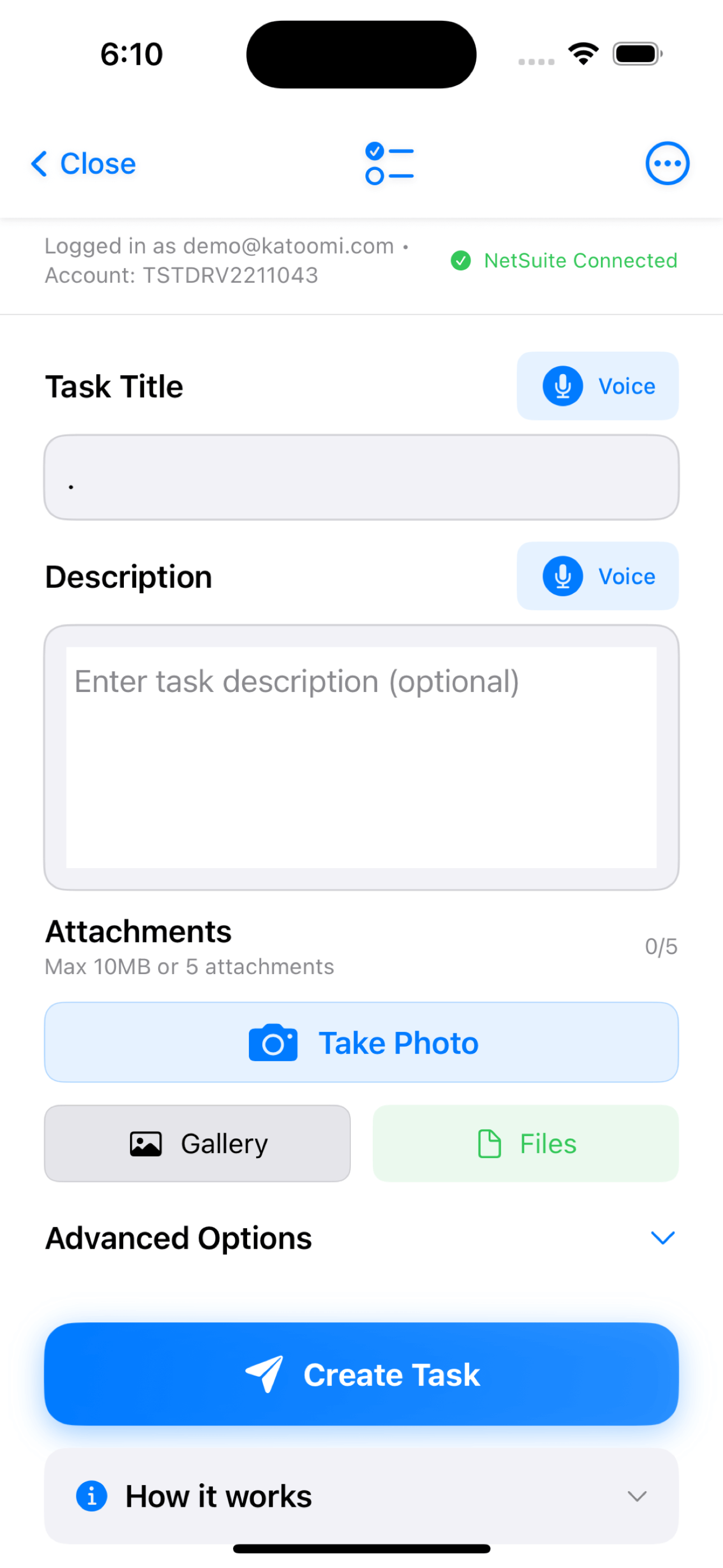
Create and manage NetSuite tasks from anywhere. Voice-to-text dictation, file attachments, priority levels, and due dates — all synced to your ERP.
- ✓ Voice-to-text task creation
- ✓ Photo and file attachments
- ✓ Assign to any NetSuite employee
- ✓ Priority and due date tracking
Learn More →
Photo App
INCLUDED
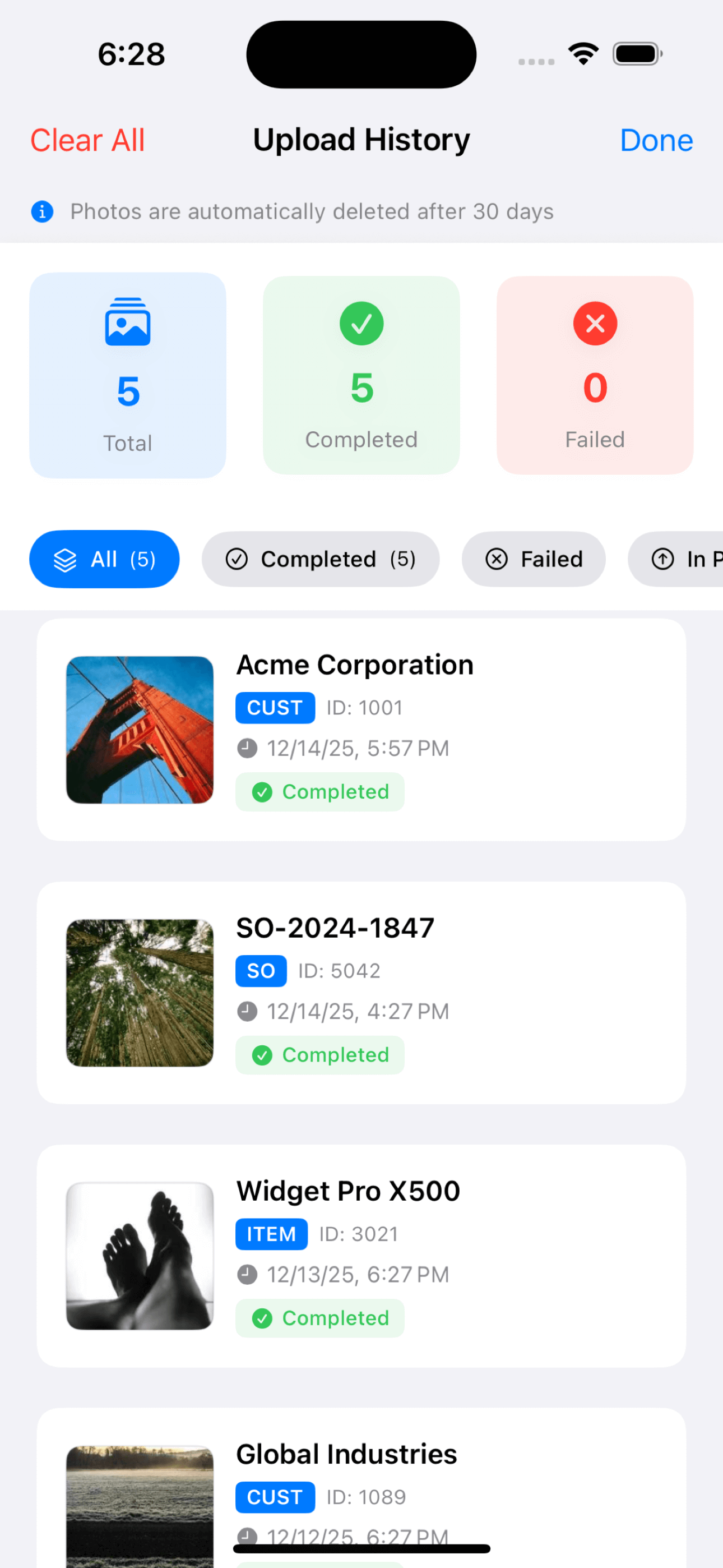
Upload photos directly to NetSuite records. Barcode scanning for instant record lookup, batch uploads, and automatic file organization.
- ✓ Barcode scanning for record lookup
- ✓ Customers, Items, Orders, POs & more
- ✓ Batch photo uploads
- ✓ Real-time sync to NetSuite
Learn More →
Perfect For
Field Sales Teams
Capture customer photos, create follow-up tasks after meetings, document displays and signage.
Warehouse Staff
Document receiving, capture damaged goods, scan barcodes, and create inventory tasks.
Service Technicians
Photograph installations, document repairs, create follow-up tasks while on-site.
Traveling Executives
Delegate tasks, review contracts, and manage approvals from anywhere in the world.
Enterprise-Grade Security
Your data security is our top priority. Katoomi was built with enterprise requirements in mind.
Two-Factor Auth
Email-based OTP verification
No Passwords Stored
Your NetSuite credentials never touch the app
iOS Keychain
Secure credential storage
Role-Based Access
Admin and user roles with proper permissions
Getting Started
NetSuite Admin Installs Bundle
Go to Setup → SuiteBundler → Search for “Katoomi” (Bundle ID: 583879) and install.
Download the App
Get Katoomi from the Apple App Store (iOS 17.0+ required).
Sign In & Start Using
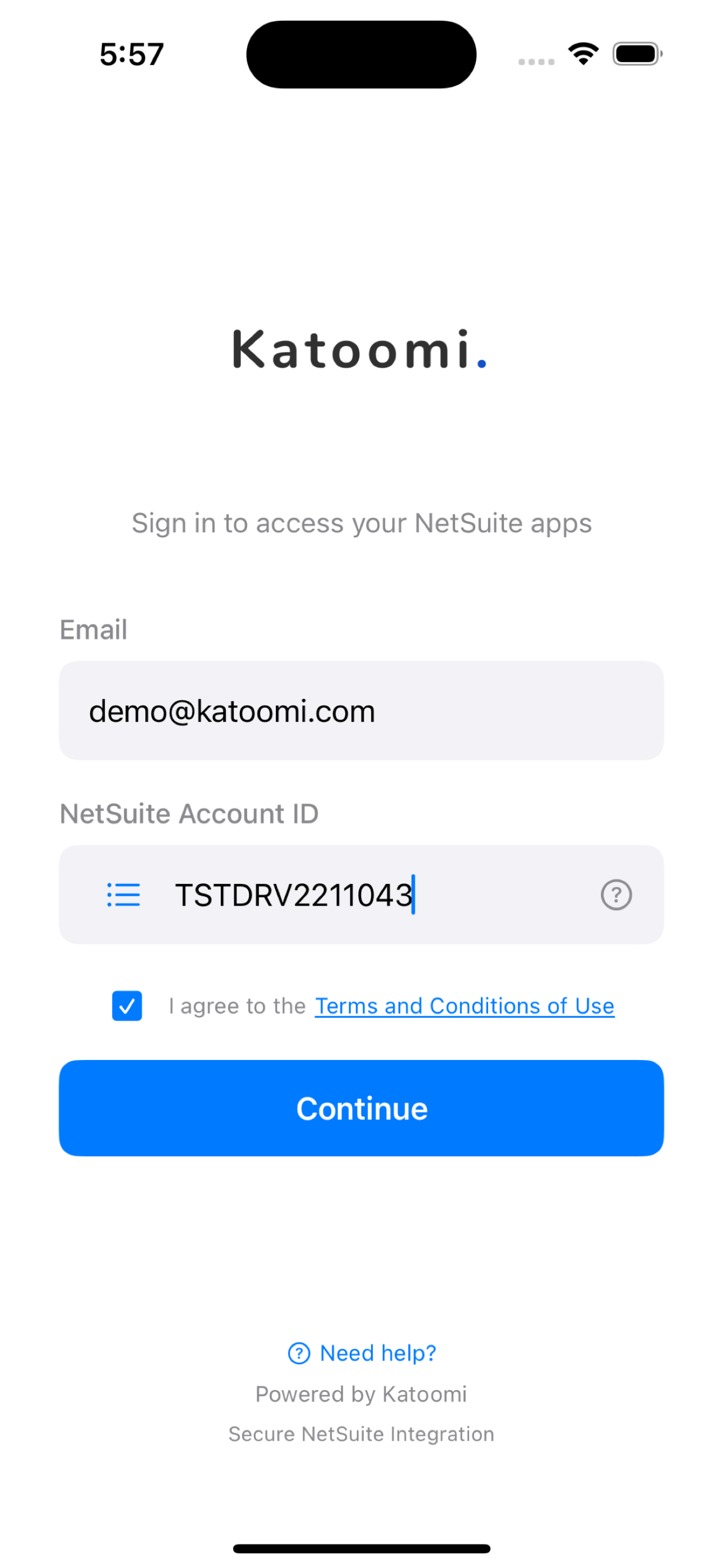
Enter your work email (must match NetSuite employee record) and Account ID. Verify with email code and you’re ready!
Requirements
- Device: iPhone or iPad
- iOS Version: 17.0 or later
- NetSuite: Active account with admin access for bundle install
- Email: Work email matching your NetSuite employee record
Ready to Take NetSuite Mobile?
Download the free Katoomi App and start capturing tasks and photos from anywhere.
1-833-KATOOMI | support@katoomi.com